01
Homepage / Lander
4 tactics · most on this funnel
$5 +5 more · Save 20% · subscription · 1 proof point
saas · Oct 18, 2026
We found more conversion tactics here than on 67% of the 1,450 multi-step SaaS funnels we have measured.
3 pages walked · measured by Roentgen 1.30.0
Every figure on this page was read off the live site by Roentgen 1.30.0 on 2026-10-18, a script that reads page structure, computed CSS and matched text. No AI judgment, nothing estimated, and a capture’s numbers stay as read.
Detection coverage, not a verdict. A low count means we did not detect those patterns, not that the funnel is weak.
aisocialfinder.com shows 6 of the 11 tactics that apply to a SaaS funnel, and we did not see the other 5.
Proven on the page · 6
comparison grid: 7 rows
What does AI Social Finder actually search?
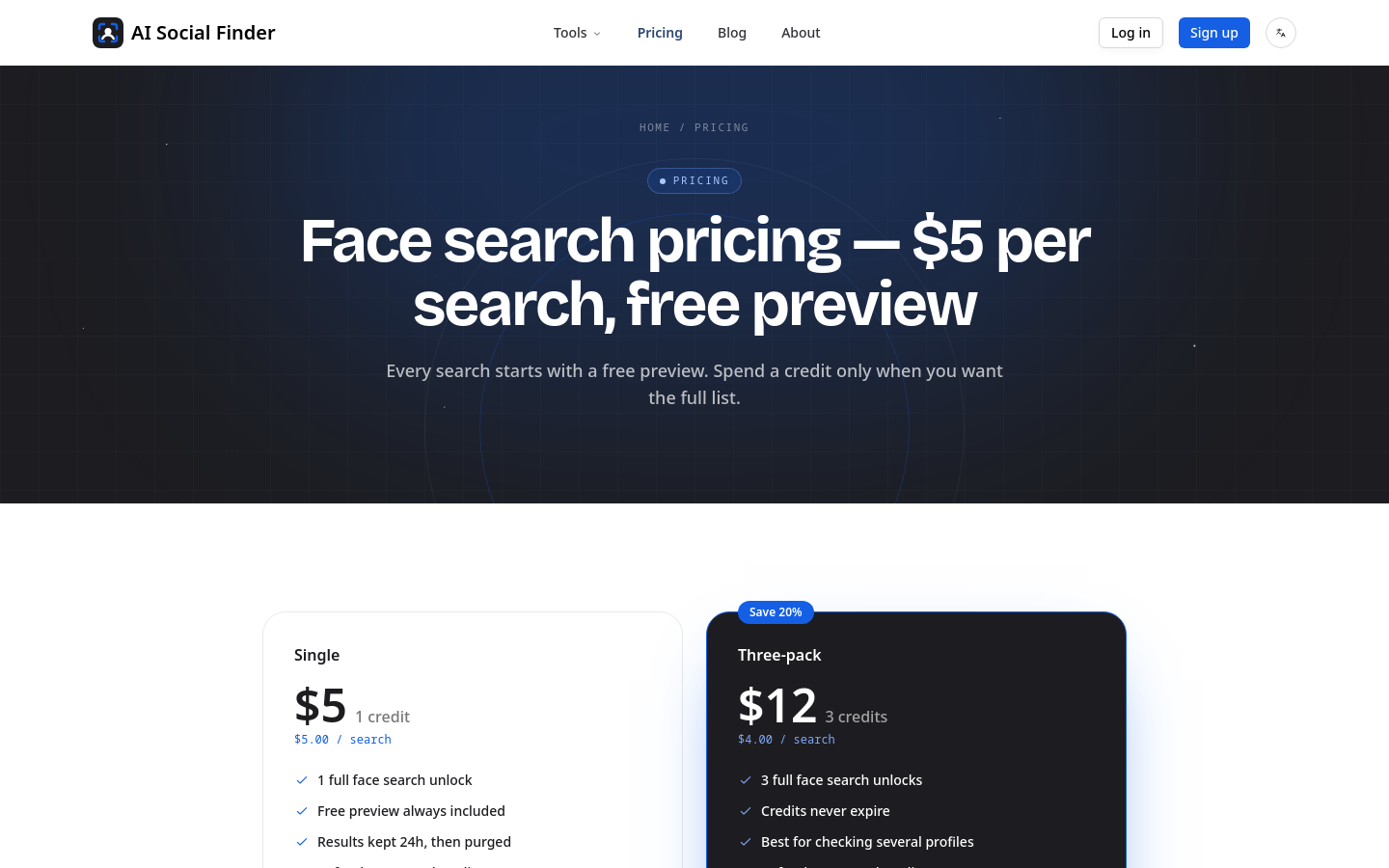
Face search pricing — $5 per search, free preview
logos: AI Social Finder, Powered by Startup Fast, Listed on Turbo0, Listed on ToolRain, Na
free, $40/mo
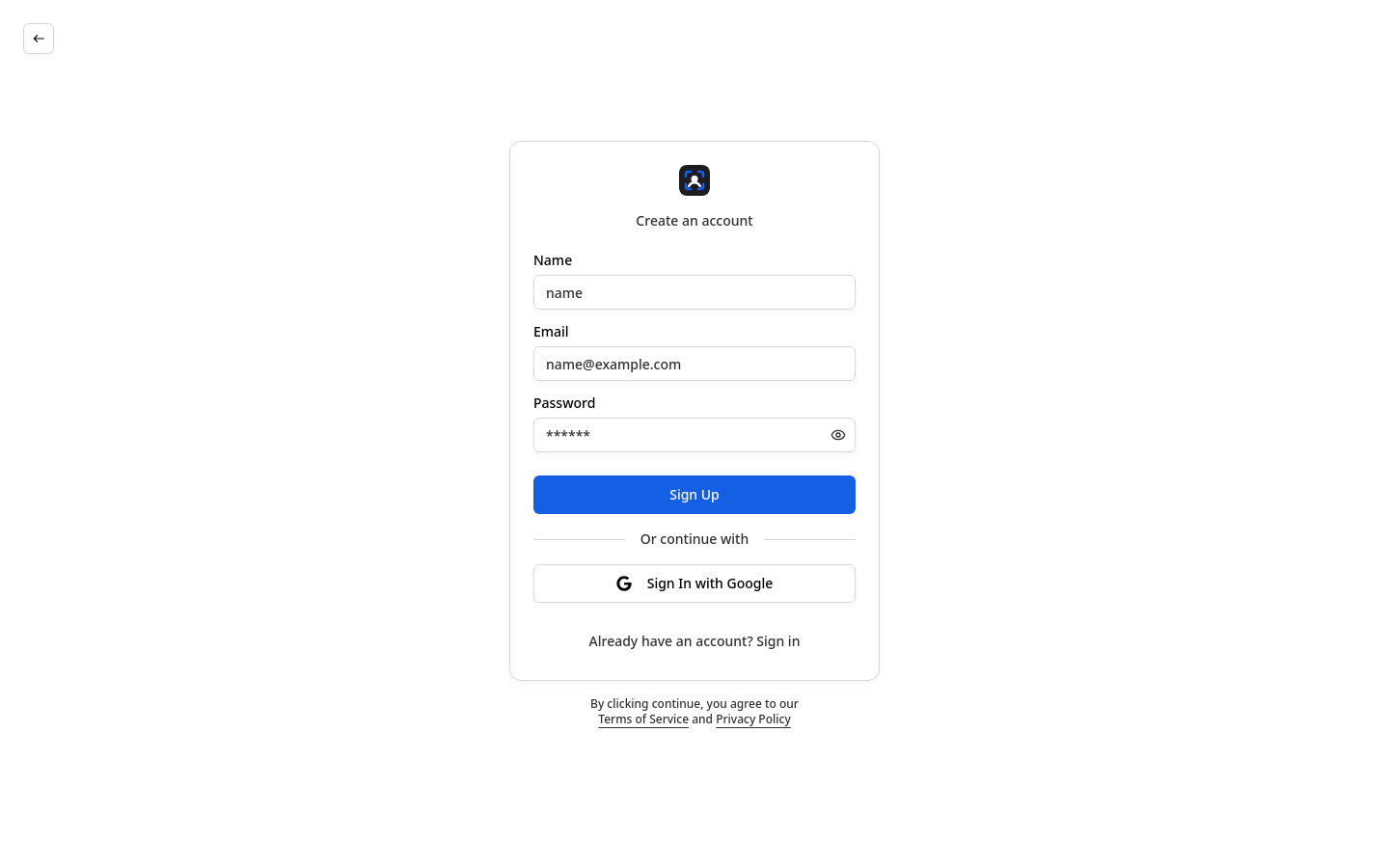
name, email, password
Not seen on any step reached · 5
Absence is a measurement, not a recommendation: we do not know why a tactic is missing, whether it belongs here, or whether adding it would change anything. Where a walk stopped early, a tactic living deeper would also read as not detected.
We walked 3 pages. Homepage / Lander runs the most named tactics (4), and Auth runs none.
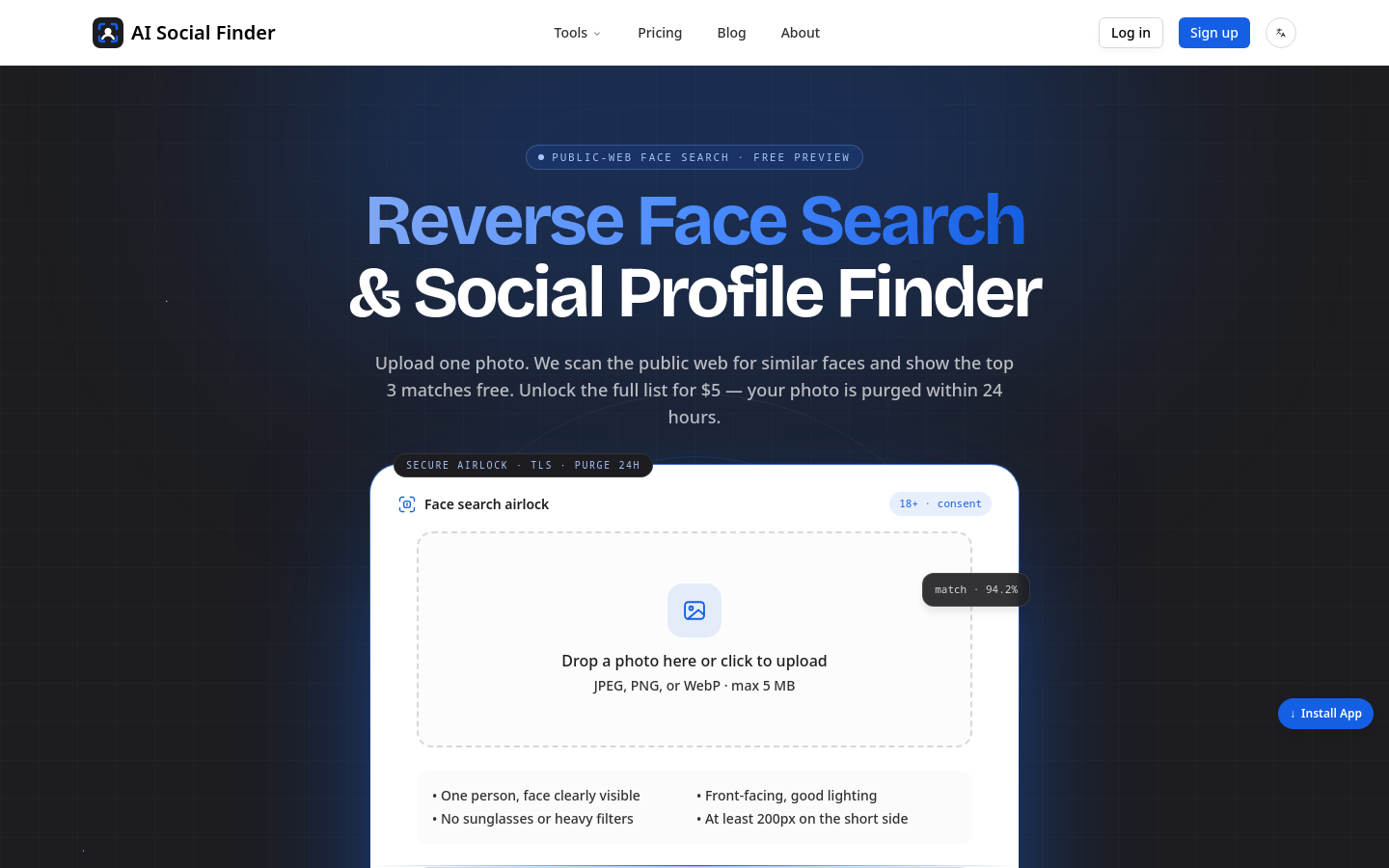
Their headline: “Reverse Face Search & Social Profile Finder”
Their description: “Upload a photo to find where a face appears on the public web. Free preview of the top 3 matches, $5 to unlock all. Photos purged in 24 hours. 18+, no stalking.”
AI Social Finder — Honest Face Search & Username Lookup ($5, Free Preview)
Upload a photo to find where a face appears on the public web. Free preview of the top 3 matches, $5 to unlock all. Photos purged in 24 hours. 18+, no stalking.
Reverse Face Search & Social Profile Finder
A reverse face search that tells you what it can’t do
Three steps through the airlock
Everything you need to verify a profile
Built like a vault, priced like a coffee
For verifying, not for watching
What a preview looks like
How we compare
What a search can (and can’t) tell you+8 more, not shown
Tools
Log in
Switch language
on
Start search
↓ Install App
Sign up
Start a free preview
$5
$30
$40
$5.00
$12
$4.00
structural bands identified on this funnel, cropped from its own capture

1 could not be measured, not counted either way
Smallest sampled text is 11px, below the 13px floor this check uses.
Keep body copy ≥15-16px; reserve sub-13px for fine print only.
What this measures2 buttons/links have no accessible name (icon-only, no aria-label).
Add aria-label to icon-only buttons and links.
What this measures10 stylesheets/scripts in <head> block first paint.
Defer non-critical JS (defer/async) and inline only critical CSS.
What this measures8 images are shipped at more than 2x the width shown.
“f-b_690x151_crop_center.png” is 300px wide, displayed at 108px
Serve responsive sizes (srcset/sizes) matching the rendered width.
What this measuresNo <header> or <main> or <footer> landmark. screen-reader users cannot jump between regions.
Wrap the page in <header>, <main> and <footer> (or matching ARIA roles).
What this measures63 of 78 interactive targets are under 44×44px on mobile.
smallest: “(unnamed)” at 16×16px
Give tappable controls a ≥44×44px hit area. the touch minimum.
What this measures16 paragraphs run past ~95 characters per line.
Cap measure at ~60-75ch for comfortable reading.
What this measures1 form field relies on placeholder text as the only label.
Back placeholders with a real <label>. placeholder text vanishes on input.
What this measures1 heading skips a level (e.g. <h2> followed by <h4>). Screen-reader users navigate by this outline.
Step heading levels one at a time; use CSS for size, not a deeper level.
What this measuresNo same-page “skip to content” link was found. Keyboard users tab through the whole nav on every page.
Add a first-in-DOM <a href="#main"> that is visible on focus.
What this measures1 control has an aria-label that does not contain its visible text, so voice-control users cannot activate it by saying what they see.
Make the accessible name start with the visible label text.
What this measures1 element looks clickable but cannot be reached by keyboard.
“Drop a photo here or click to uplo”
Use <button>/<a>, or add role + tabindex="0" and a key handler.
What this measuresNo autocomplete attributes across 3 fields. browsers cannot autofill.
Add autocomplete="email"/"tel"/"name" to identity fields.
What this measuresText contrast (WCAG AA) · Mobile viewport · Language declared · Image alt text · Inline validation
At least 0.7 MB across 122 measurable resources, but 89 cross-origin resources did not expose a size. The true weight cannot be determined from the page.
We measured 4 colour roles on this funnel.
Body copy in their text role, on a surface card.
We also ran these layers on the pages we captured and found nothing to show: Elements, Playbook match (2 of 9 layers). That is a measurement of this funnel, not a recommendation, and a layer we never ran is not listed.
Measured ranges for the parts of a page, from the funnels we have x-rayed.
Navigation barsHero sectionsFeature gridsFAQ sectionsPricing sectionsFootersWhy we walk the whole funnel
The same measurements, in formats a build agent can read.